Everything Anagram does
A word processor with a real page in it. Everything below is in the product now, with nothing to install and nothing to switch on.
Real pages
Anagram lays out onto US Letter or A4 with real margins, and what you see on screen is what comes out of the printer. Page breaks happen where the text runs out of page, not where a preview guesses. The same engine draws the screen, the PDF and the Word file, so the three cannot disagree with each other.
Text that moves around your pictures
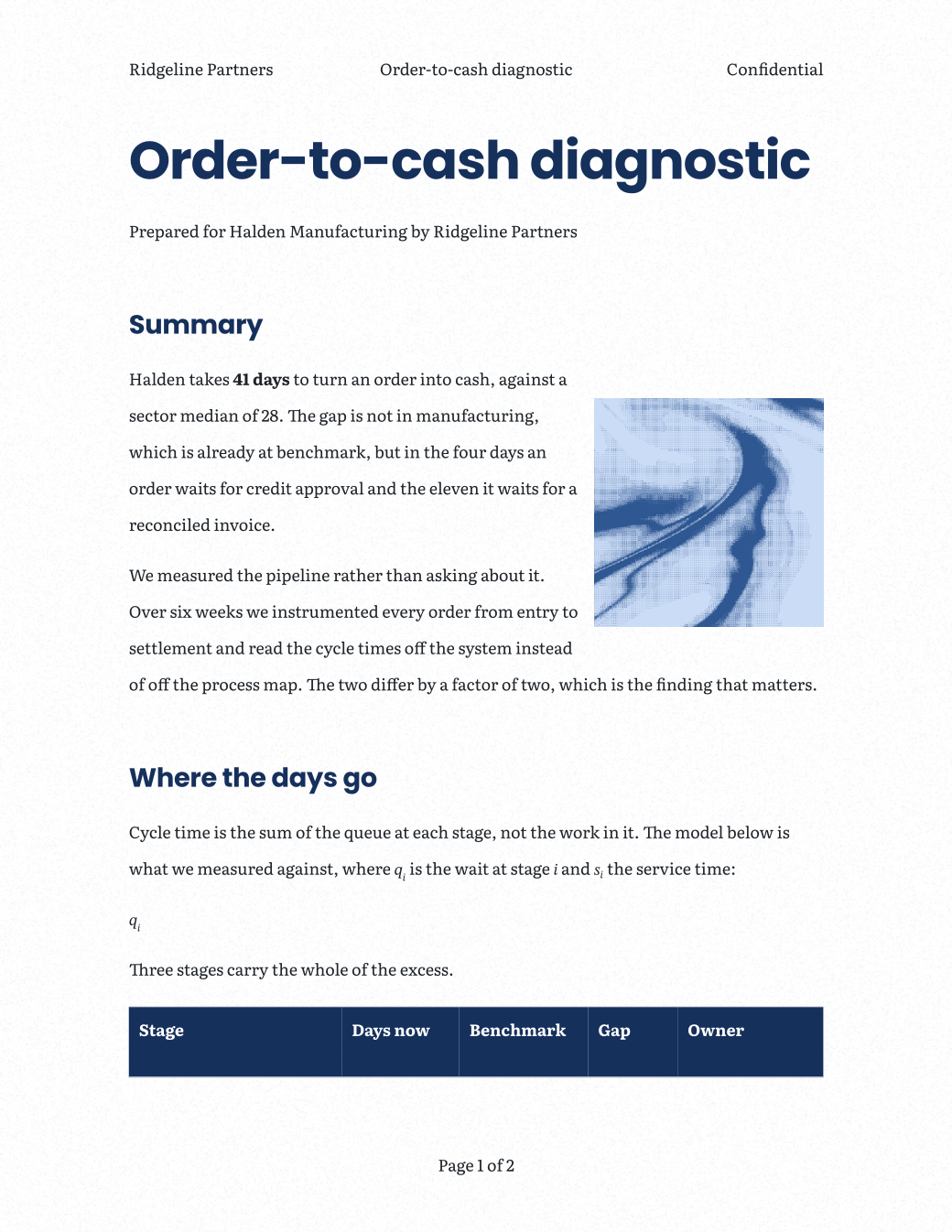
Drop a picture into a paragraph and the text wraps round it. Drag it and the text re‑wraps while you drag, because the layout is recomputed rather than patched. A picture can sit in the line, sit on the page with the text flowing past it, or hold its own place.
Tables that look how you want
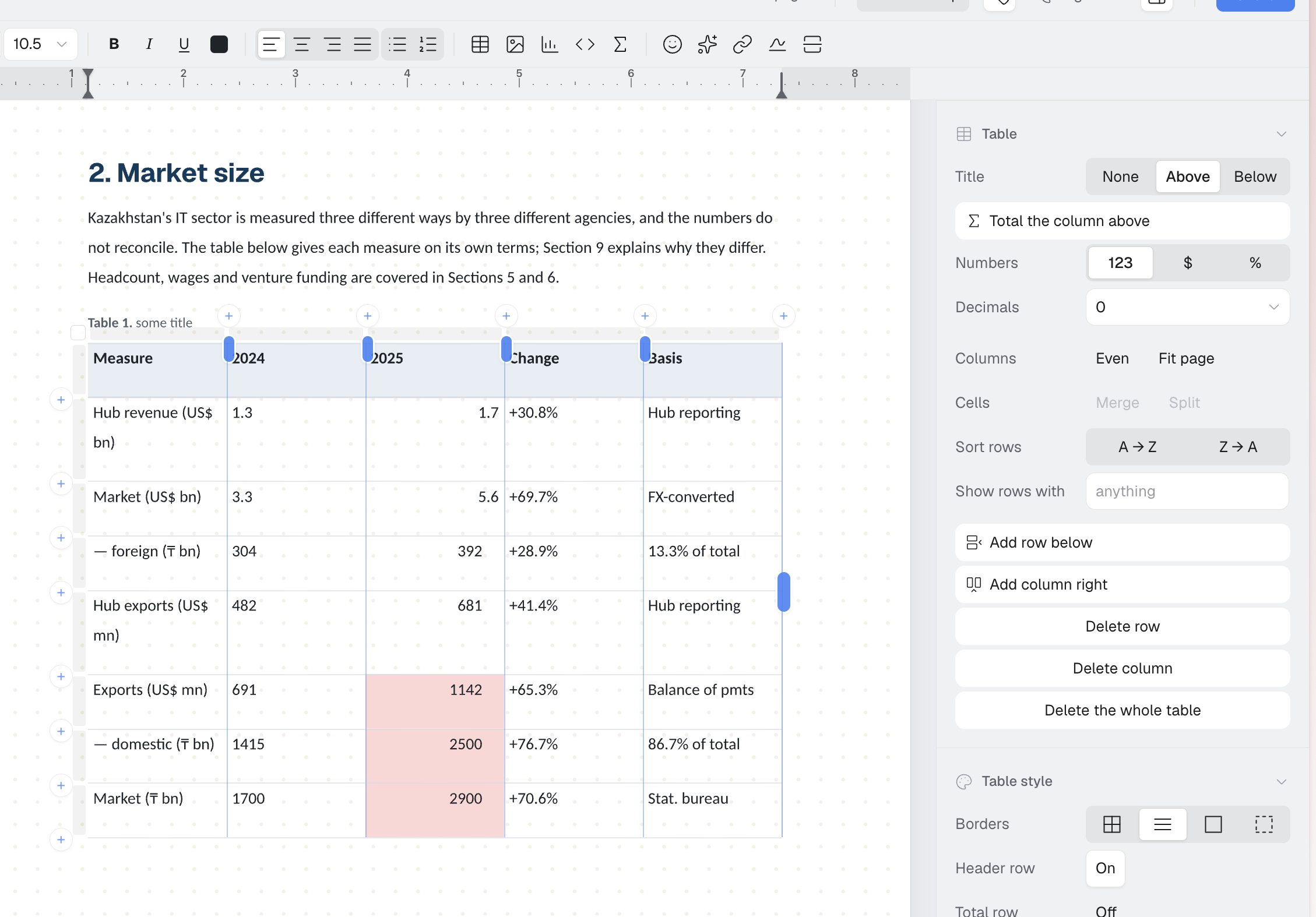
Borders, header rows, banding, padding and column widths, and colour rules that shade a column by its own values: anything above a threshold, below one, between two, or a wash that follows the numbers. A table that reads at a glance is the difference between a document somebody acts on and one they file.
Stylish charts from your tables
Point at a table and get a chart drawn from it. The chart reads the table rather than copying it, so changing a number later changes the chart. Columns, bars, lines, areas and pies, with the pies in three dimensions if the document wants it.
Reusable variables
A figure lives in one place and every mention of it follows the value. A fee, a client name, a date, a rate. Change it once and the document is right everywhere, which is the difference between a template and something you have to proofread.
Formulas that look right
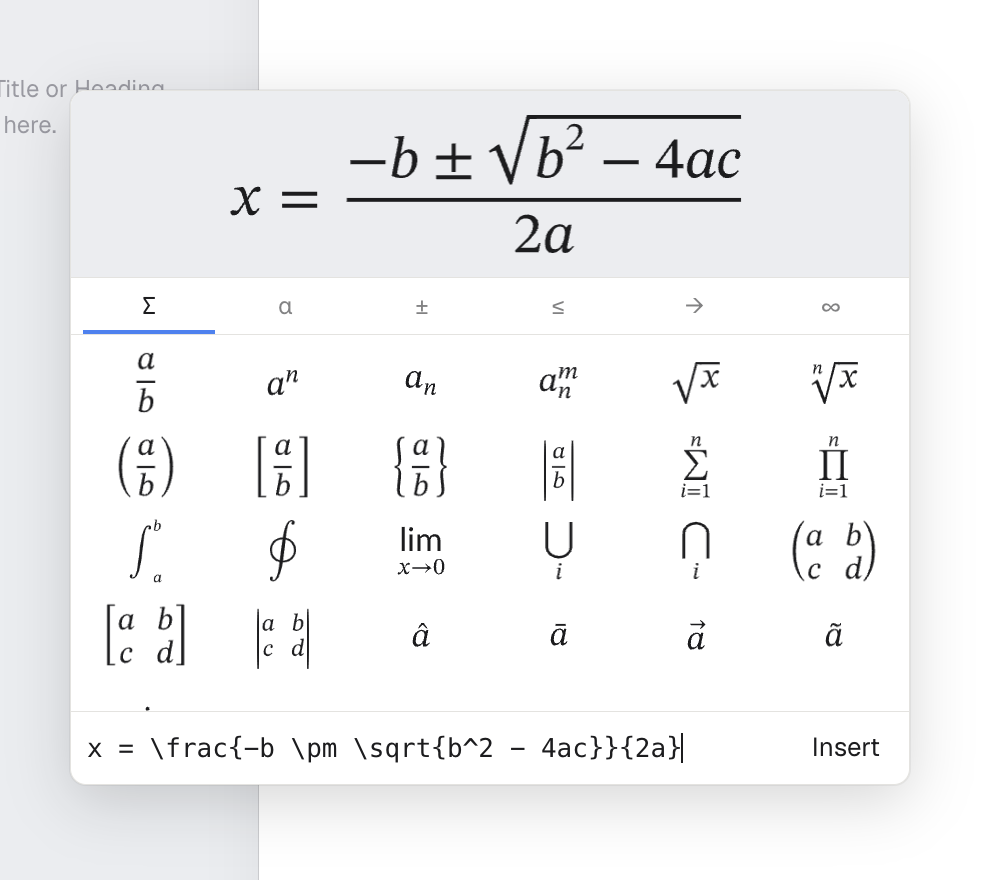
Real mathematical notation, set properly rather than typed with slashes and carets. A variable can also be a formula over the others, so a total is computed instead of retyped. It leaves as a real Word equation somebody can click into and edit, not a picture of one nobody can correct.
Twenty-one typefaces, in the box
Nothing is fetched at layout time and none of them is Calibri. They ship with the product, they are the same files in the browser and on the server, and a document paginates identically in both because both are measuring with the same outlines.
GeistPoppinsInterLiterataEB GaramondPlayfair DisplaySource SerifSource SansIBM Plex SansMontserratLatoLoraArimoTinosCarlitoCaladeaCousineGeist MonoJetBrains Mono
A style sheet, not a template
Change a heading once and every heading follows it. What the document looks like is a sheet you edit rather than a theme you picked at the start and then have to live inside. Six document styles to start from, and everything in them is yours to change.
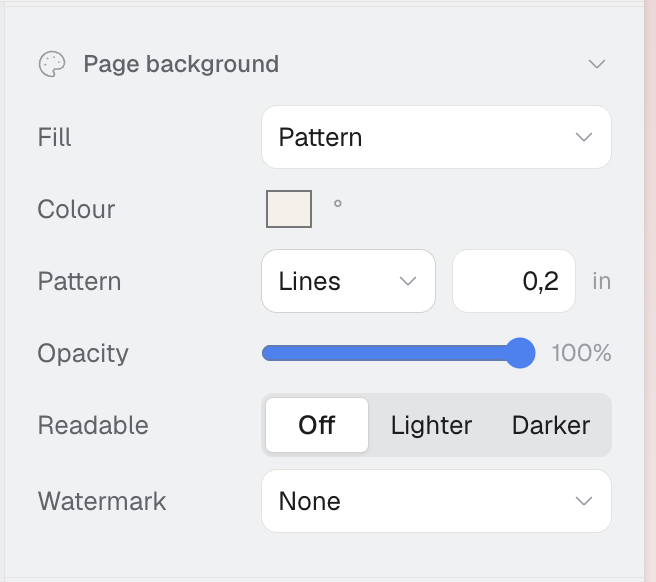
Page backgrounds
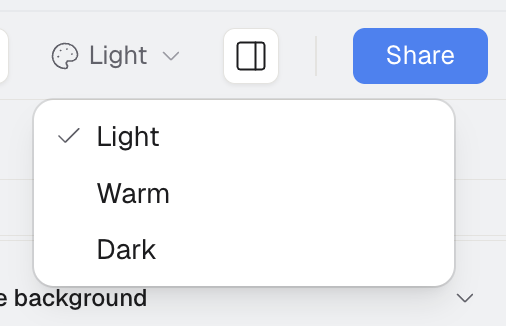
A tint, a gradient, a grid, a grain, a watermark. It belongs to the page rather than to anything on it, so it survives export and prints the way it looks.
Getting around a long document
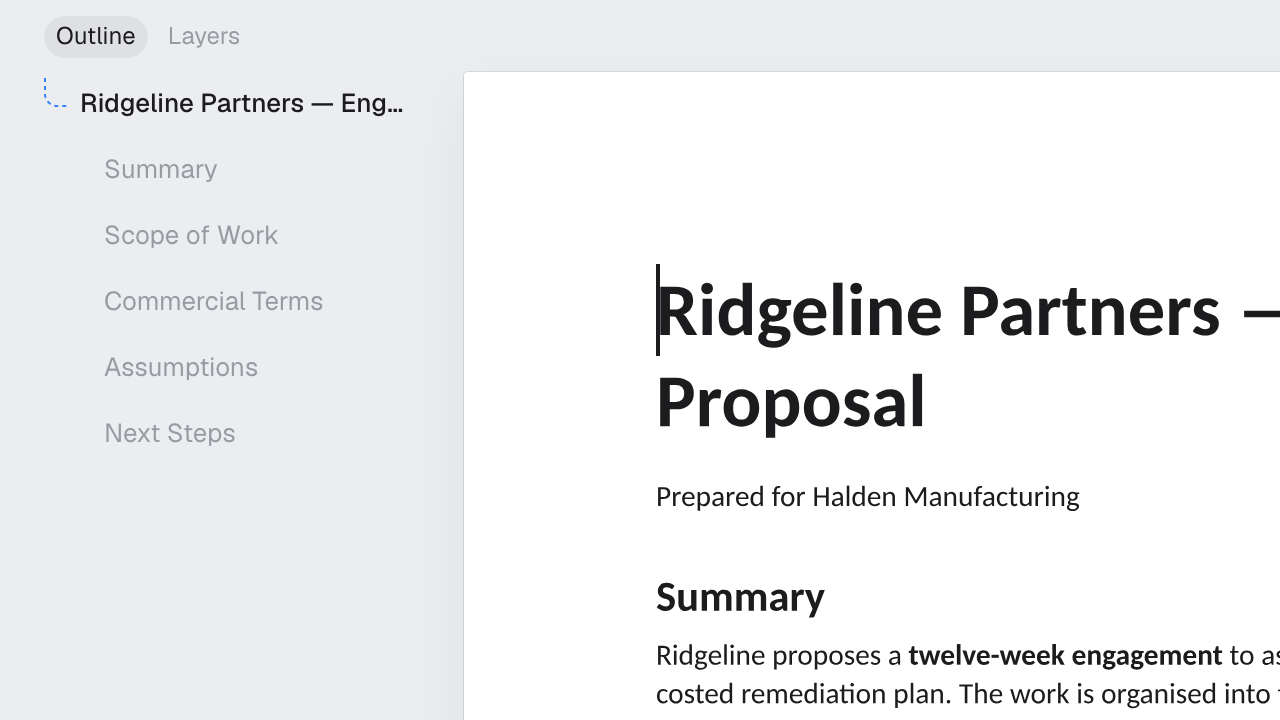
An outline down the side that is the document’s own headings, built at layout rather than typed. Click a heading and you are there. It is right on page forty for the same reason it is right on page one.
Running headers, footers and page numbers
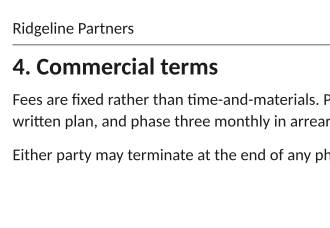
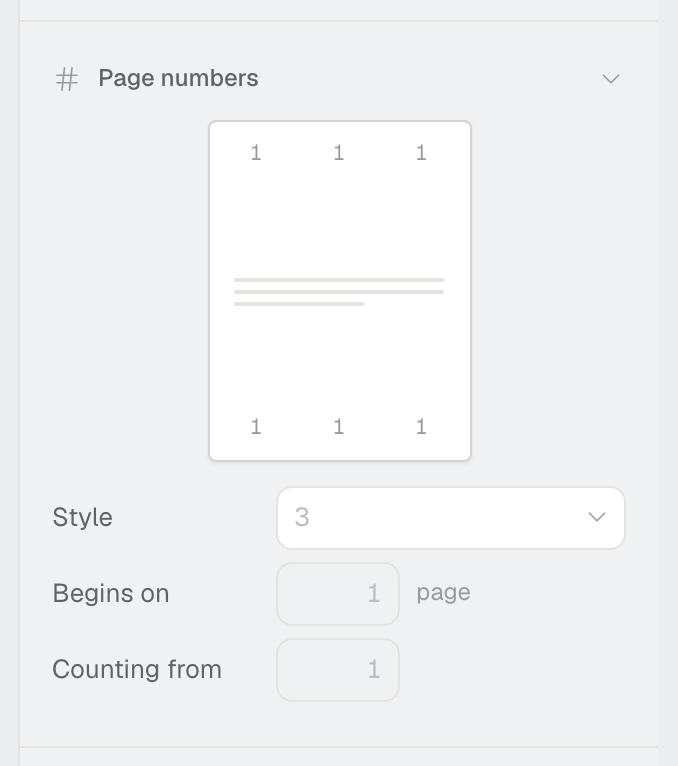
The things that belong to the document rather than to any page of it. A header that repeats, page numbers in any of six places and six formats, and a different first page when a letter needs its letterhead on page one and Page 2 of 3 on the rest.
Notes and cross references
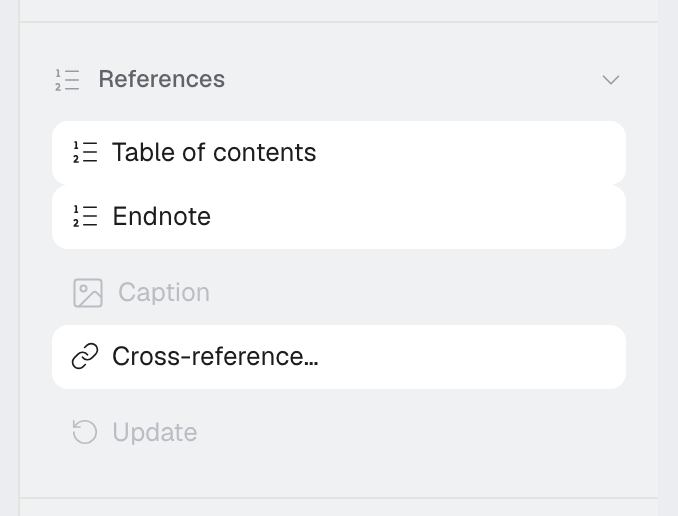
Numbered endnotes that renumber themselves when one is inserted in the middle, and references that say see Governing law on page 4 and stay true when the document moves. A page number typed by hand is a page number that will be wrong.
Code blocks
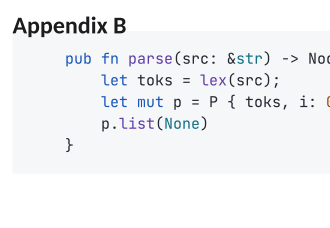
Syntax coloured, with line numbers if you want them and a dark panel if that suits the document. Eighteen languages, and the language is worked out from the code if you do not say.
Real dark mode
The whole application, not a filter over a white page. The document itself stays the colour it will print unless you have asked for something else.
Your agents can write in it
Point a coding agent at a document over MCP and it reads it, edits it by range, styles the tables and draws the charts. Everything it writes is a version, and whoever owns the document can undo it. How to connect one.
Getting it out
PDF and Word, from the engine that laid it out, plus markdown. The export tells you what it could not carry across, so a chart missing from a .docx is something you are told rather than something the reader discovers.
No plugins
All of this is the product. Nothing here is somebody else’s add‑on that you find, install, pay for separately, and then lose the day they stop maintaining it.